Got a Take-Home Coding Test From a Recruiter? Check It Before You Run It
Fake recruiters send developers take-home coding tests that steal passwords, wallets and SSH keys the moment you run npm install. Here's how the trap works and how to check a test repo safely.
The interview is fake. The coding test is real. It just isn't testing you.
You're job hunting. A recruiter messages you on LinkedIn.
Senior role. Remote. Good money. They liked your profile.
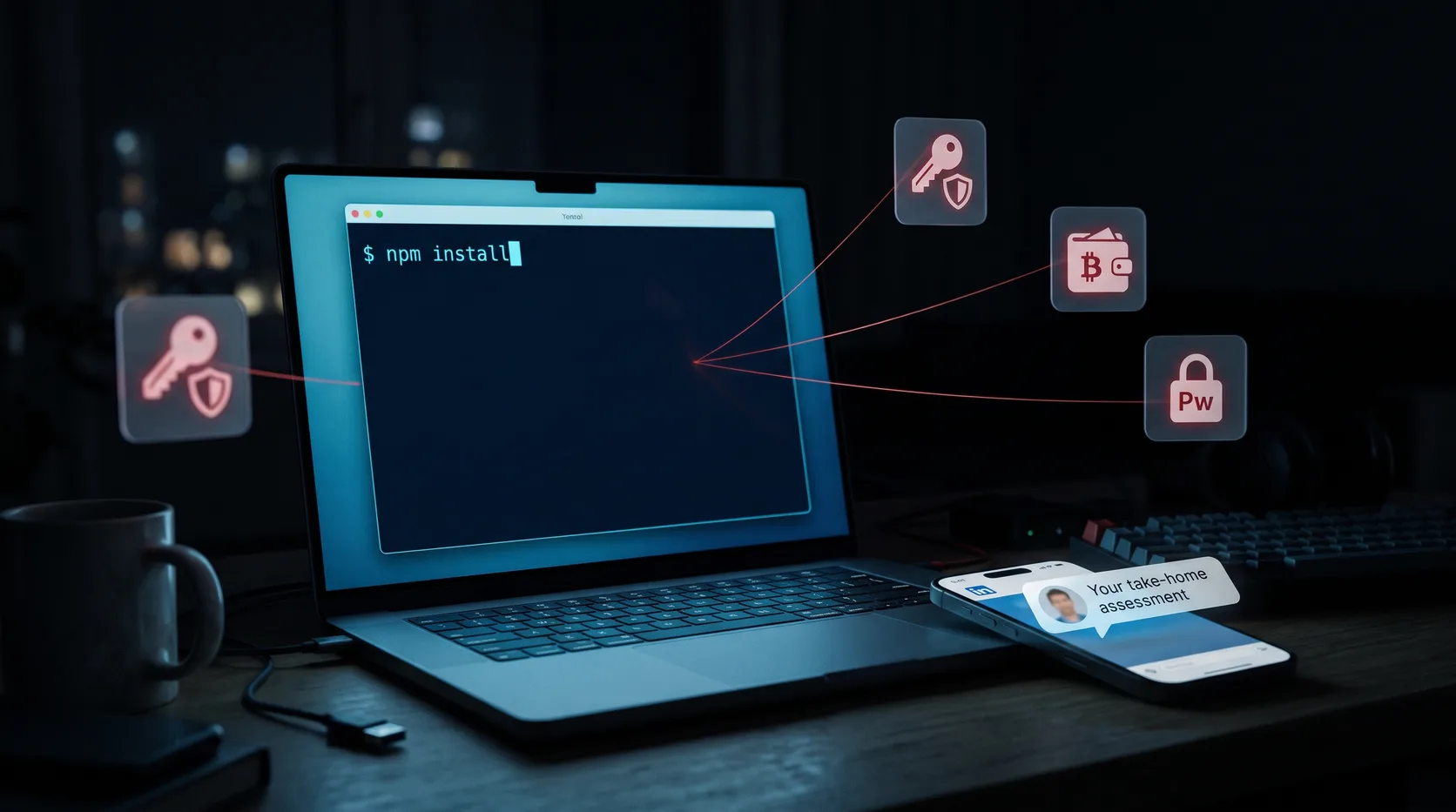
A day later there's a "short technical assessment". Clone the repo, run it, fix one bug, send it back by tonight.
So you open a terminal and type npm install.
What if that's the whole attack?
This isn't a hypothetical
Palo Alto Networks' Unit 42 has tracked this exact play since November 2023 and calls it the Contagious Interview campaign. North Korea-linked actors pose as recruiters, run a convincing hiring process, and ask developers to install and run a project as part of the interview.
The malware it delivers, BeaverTail, is a JavaScript infostealer. Datadog's write-up describes how it also pulls down a second-stage Python backdoor.
What it goes after is everything a developer has lying around:
- Saved browser passwords and cookies
- Crypto wallet extensions
- SSH keys
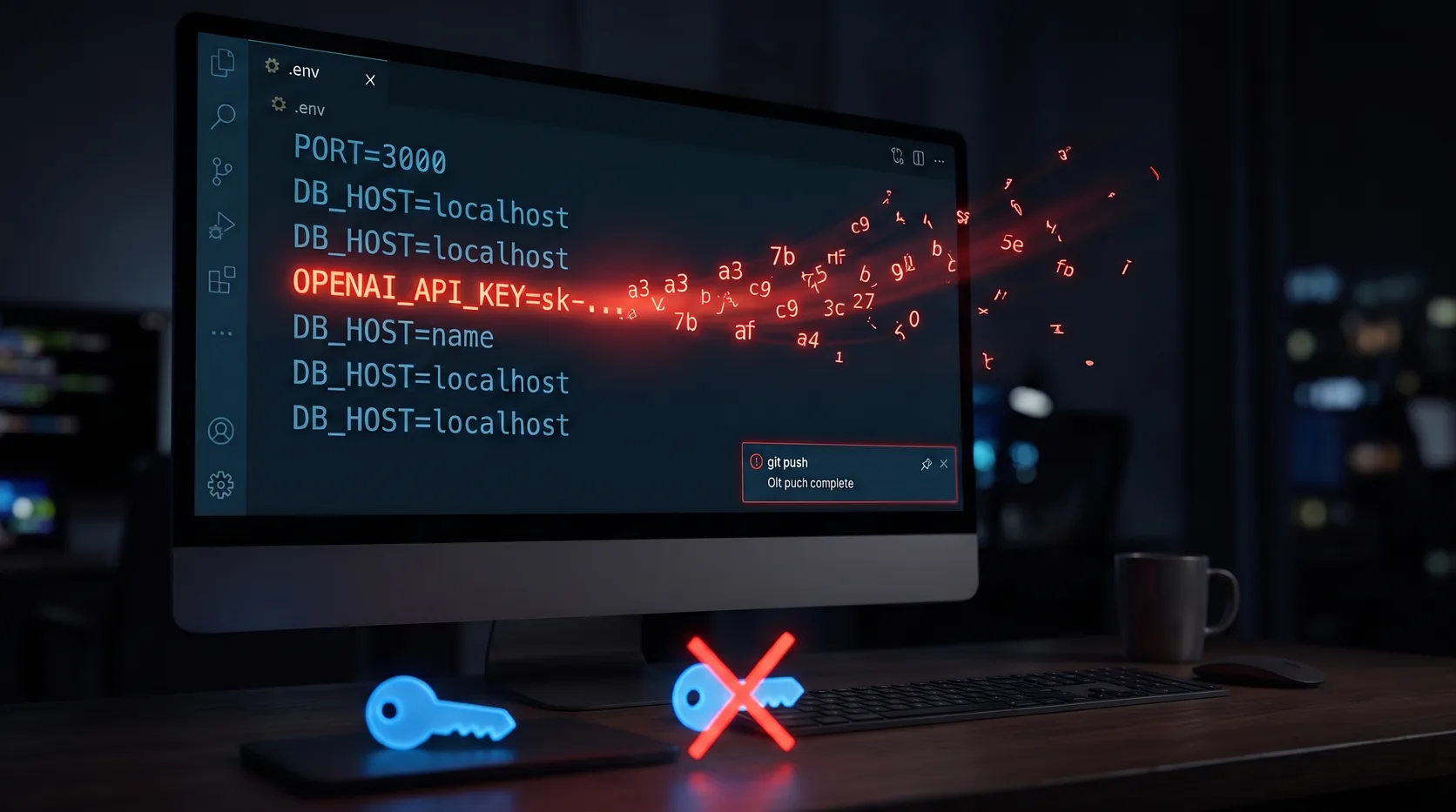
.envfiles and API tokens
We've seen the same pattern up close. A fake freelancer sent a "broken" Next.js project with a credential stealer hidden inside its SVG files. It was set to run the moment the dev server started.
Why developers fall for it
Because it looks exactly like a normal hiring process.
Real companies do send take-home tests. Real tests do come as repos. Running npm install is the most boring thing you do all day.
That's the point. The scam doesn't ask you to do anything weird.
It asks you to do your job.
Where the payload hides
Nobody puts stealPasswords() in App.tsx. The code runs from places you don't read before running:
package.jsonscripts.preinstall,postinstall,prepare. These run duringnpm install, before you've opened a single file.- Startup and config files.
next.config.js,vite.config.js, aserver.jsthat imports something it shouldn't. - IDE tasks. A
.vscode/tasks.jsonset to run when the folder opens. - Assets. Long encoded strings inside images, fonts or SVGs that a loader decodes and executes.
- A dependency. A typo'd package name, or a package published by the attacker.
The giveaway is usually one line that does something the task never needed. A fetch to a raw IP. An eval of a decoded string. A read of ~/.ssh.
The context gives it away first
Before you even look at the code, look at the conversation.
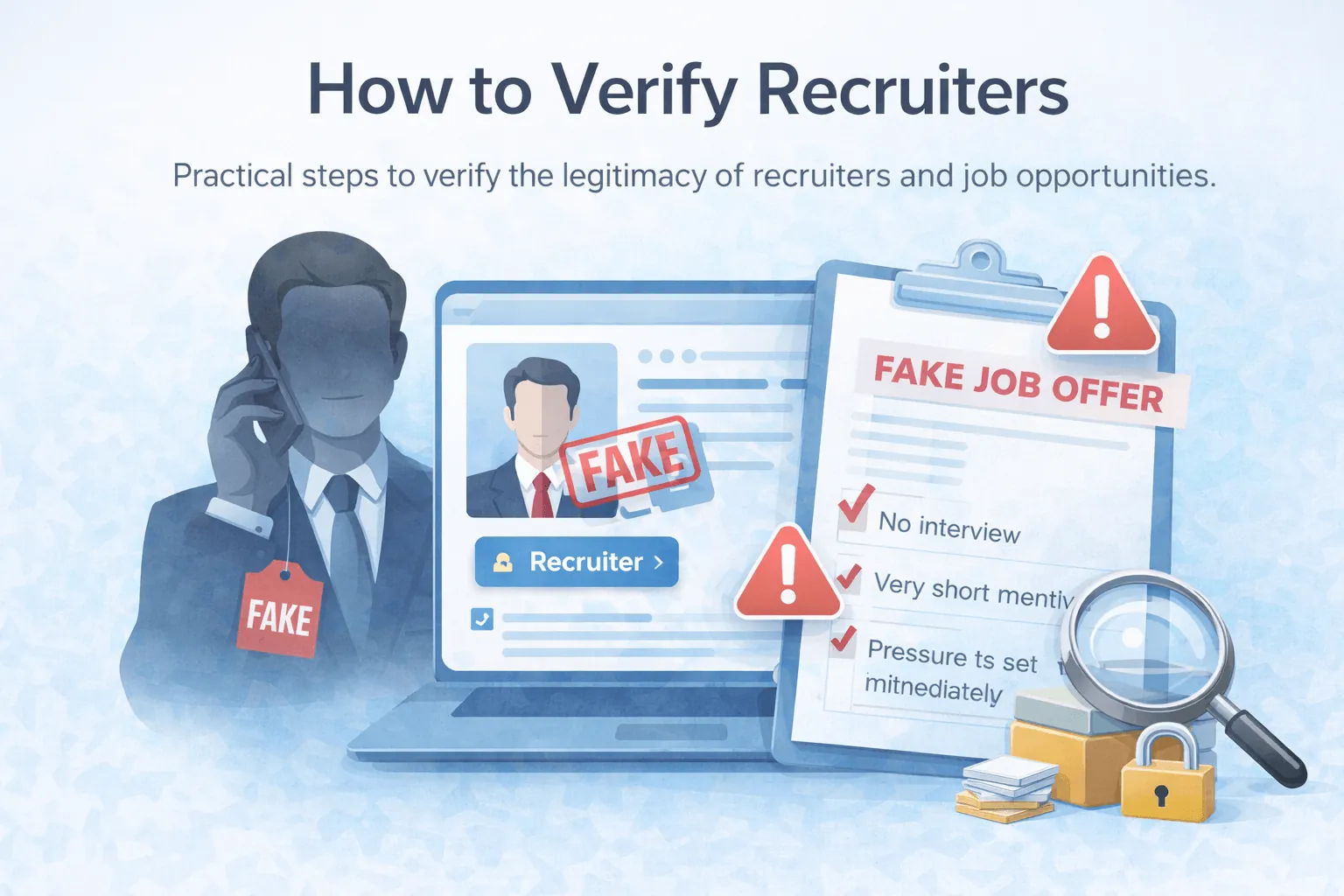
- The test came before any real call with a real engineer
- The deadline is hours, not days
- The repo sits on a personal GitHub account, not the company's
- The repo is brand new, or the commit history looks copy-pasted
- They push you to run it, not just read it
- The chat already moved to Telegram or WhatsApp
One of these happens in real hiring too.
Three of them together? Stop.
Where real take-home tests still win
To be fair: most take-home tests are exactly what they say.
Good companies send them from a company account or an official hiring platform. The brief is clear. The deadline is reasonable. And nobody minds if you ask questions first.
If asking "can I review the repo before running it?" makes the recruiter nervous, you have your answer.
How to check a take-home test safely
Here's what I'd do, in order:
- Read
package.jsonfirst. Look at every script. Anything underpreinstallorpostinstallshould make sense for a tiny test project. Usually it shouldn't be there at all. - Install without scripts.
npm install --ignore-scriptsinstalls dependencies without running their install scripts. - Open it in VS Code's Restricted Mode. Don't click "Trust" on the workspace prompt. Tasks and some extensions won't run until you do.
- Scan it. Paste the repo link into the free DoubleCheck Repo Scanner. It reads the code (it never runs it) and gives you a verdict with the exact file and line for anything suspicious.
- Run it somewhere disposable. A VM, a cloud dev environment, or a container with no access to your home folder. Never on the machine with your wallets and SSH keys.
None of this takes long.
It's a lot faster than rotating every credential you own.
What to do if you already ran it
Treat the machine as compromised. Then, from a different, clean device:
- Change the passwords for your email, GitHub, cloud and bank accounts
- Move any crypto to a brand new wallet
- Rotate SSH keys, API tokens and anything in your
.envfiles - Revoke active sessions and turn on two-factor authentication
- Reinstall the OS on the affected machine if you can
If you found a key in your own code during the cleanup, our guide on what to do after leaking an API key on GitHub walks through rotating it properly.
Here's my honest answer
Should you refuse take-home tests? No.
Should you run them on your main machine, on trust, because a friendly recruiter asked? Also no.
Read before you run. Run somewhere you can throw away.
The best interviews test your code. The worst ones take it.
Got a take-home test that felt off? Scan it here before you run it.