I Leaked an API Key on GitHub. What Now?
Pushed an API key, token or .env file to GitHub? Deleting the commit isn't enough. Here's the order that actually works: revoke, check usage, clean history, and stop it happening again.
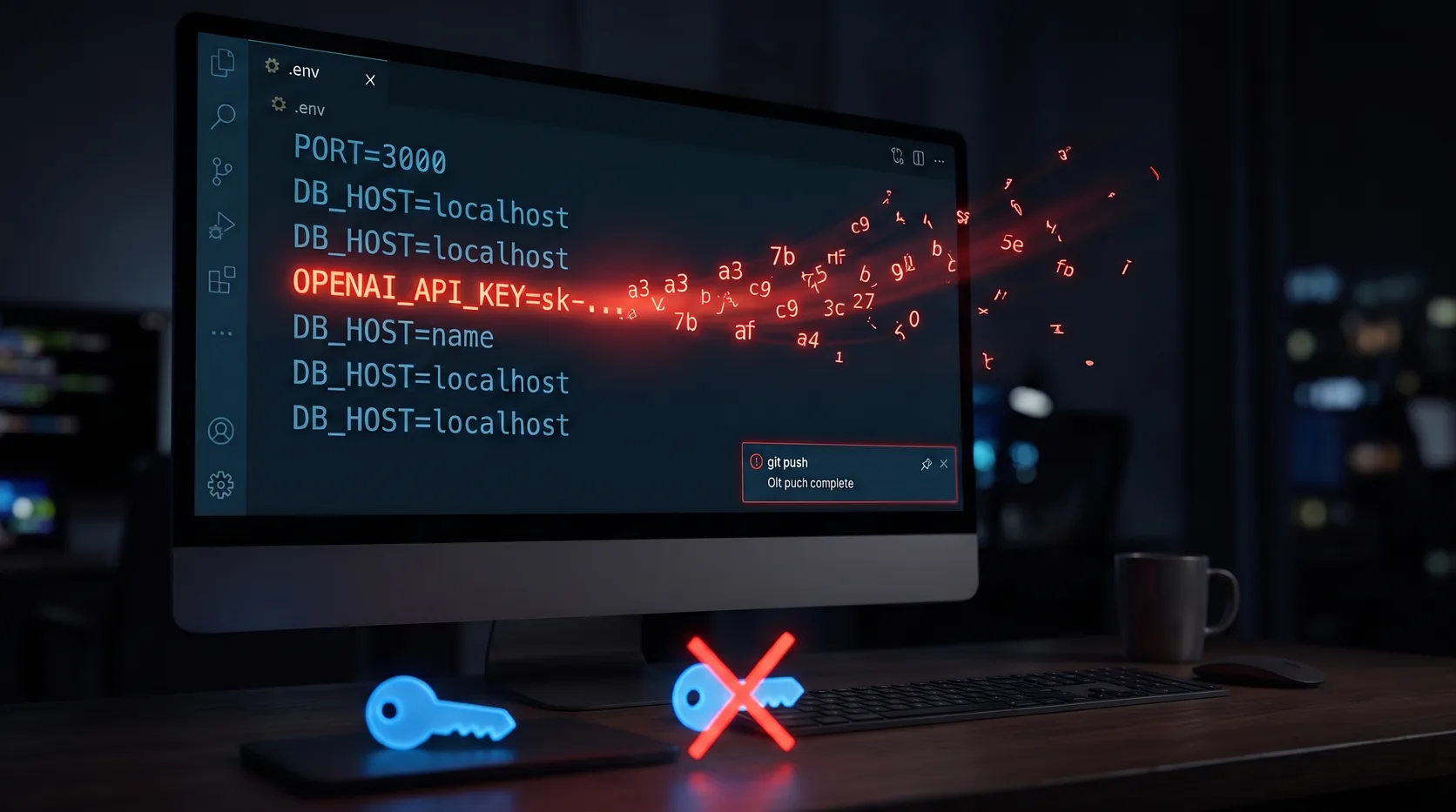
Deleting the commit feels like fixing it. It isn't.
It happens to everyone eventually.
A quick test. A hardcoded key "just for now". A .env file that wasn't in .gitignore. You push, you notice, your stomach drops.
So you delete the file and push again.
Is the key still out there?
Yes. And probably not only on GitHub.
Why deleting the file doesn't help
Git remembers everything. The key is still in the commit where you added it, and in every clone and fork made since.
Public repos also get scraped. Automated scanners watch GitHub's public activity looking for anything shaped like a key. Assume someone copied it within minutes.
So the question isn't "how do I hide it?"
It's "how do I make it worthless?"
Step 1: Revoke the key. Right now.
Not later. Not after you clean up the repo. First.
Go to the provider's dashboard (OpenAI, Stripe, AWS, Google Cloud, whoever issued it) and revoke or delete the key. Then create a new one.
A revoked key in your Git history is just a string.
An active key in your Git history is a bill.
Step 2: Check what it was used for
While you're in the dashboard, look at recent usage:
- API calls or spend you don't recognize
- New users, instances or resources you didn't create
- Changes to billing, webhooks or permissions
If something looks wrong, contact the provider's support. Cloud providers in particular have processes for compromised credentials, and it's worth asking before the invoice arrives.
Step 3: Clean the history (optional, but tidy)
Once the key is dead, removing it from history is housekeeping, not security.
If you want it gone, git filter-repo or BFG Repo-Cleaner can rewrite history to strip the file or string. Then force-push, and ask anyone with a clone to re-clone.
Two honest caveats:
- Forks and existing clones keep the old history. You can't recall them.
- Rewriting shared history is disruptive. On a team repo, agree on it first.
That's why Step 1 matters more than this one.
Step 4: Find out if anything else leaked
Where there's one key, there's often another. Check:
- Old commits, not just the current files
- Config files, test fixtures and example scripts
- Other repos where you copied the same setup
The free DoubleCheck Secret Leak Check scans a public repo or ZIP, including its Git history, for exposed keys and tokens. Secrets are masked in the results, so the report itself doesn't leak anything.
GitHub's own secret scanning and push protection are worth turning on too. Push protection blocks many known key formats before they ever reach the repo.
Step 5: Stop keys from living in your code
The real fix is to stop pasting keys into files at all.
- Keep
.envin.gitignorefrom the first commit, and commit an.env.examplewith fake values instead - Load secrets at runtime from your hosting provider's environment settings
- Keep the real values in a password manager or secrets vault, not in a text file on your desktop
- Use separate keys for development and production, with the smallest permissions that work
For the vault part, a password manager with developer features covers most solo developers and small teams. 1Password can store API keys and inject them into your terminal and .env files at runtime, so the real value never sits in your repo. Bitwarden is a solid open-source option too.
Disclosure: the 1Password link is an affiliate link. If you sign up through it, we may earn a commission at no extra cost to you.
Where "just be careful" still wins
Tools help, but habits do most of the work.
A pre-commit check, a .gitignore you set up once, and the reflex to revoke first will save you more often than any product.
Here's my honest answer
Leaking a key isn't a disaster.
Leaving it active is.
Revoke first. Clean up second. Fix the habit third.
A dead key in your history is embarrassing. A live one is expensive.
Not sure what else is sitting in your repo? Run a free Secret Leak Check and find out.