How to Check a GitHub Repository for Malware Before You Run It
Learn how to check a GitHub repo for malicious install scripts, hidden payloads, credential theft, obfuscated code, and suspicious downloads before you run it.
Someone sends you a GitHub repository and asks you to run it. Maybe it's a coding test, a freelance project, an AI-generated app, or a tool you found online.
The dangerous step usually isn't reading the code. It's giving that code permission to run through npm install, a development server, a shell script, or an included executable.
Before doing that, here's how to check what the repository may actually do.
Is cloning a GitHub repo dangerous?
Cloning is closer to downloading a folder than launching a program. Git copies files onto your disk. It does not, by itself, execute them.
The risk starts when you treat those files as software.
npm install can run install hooks. pip install and python setup.py can run setup code. npm run dev starts a server that can do anything your user account can do. A shell script, a compiled binary, a Makefile target, or an editor task can do the same.
So the useful question is not "is this GitHub repo safe to clone?" It is "what happens if I execute it?"
Reading source files as plain text is far safer than running them. Opening the entire project in a trusted development environment can still enable project-specific tasks, extensions, and debugging configurations.
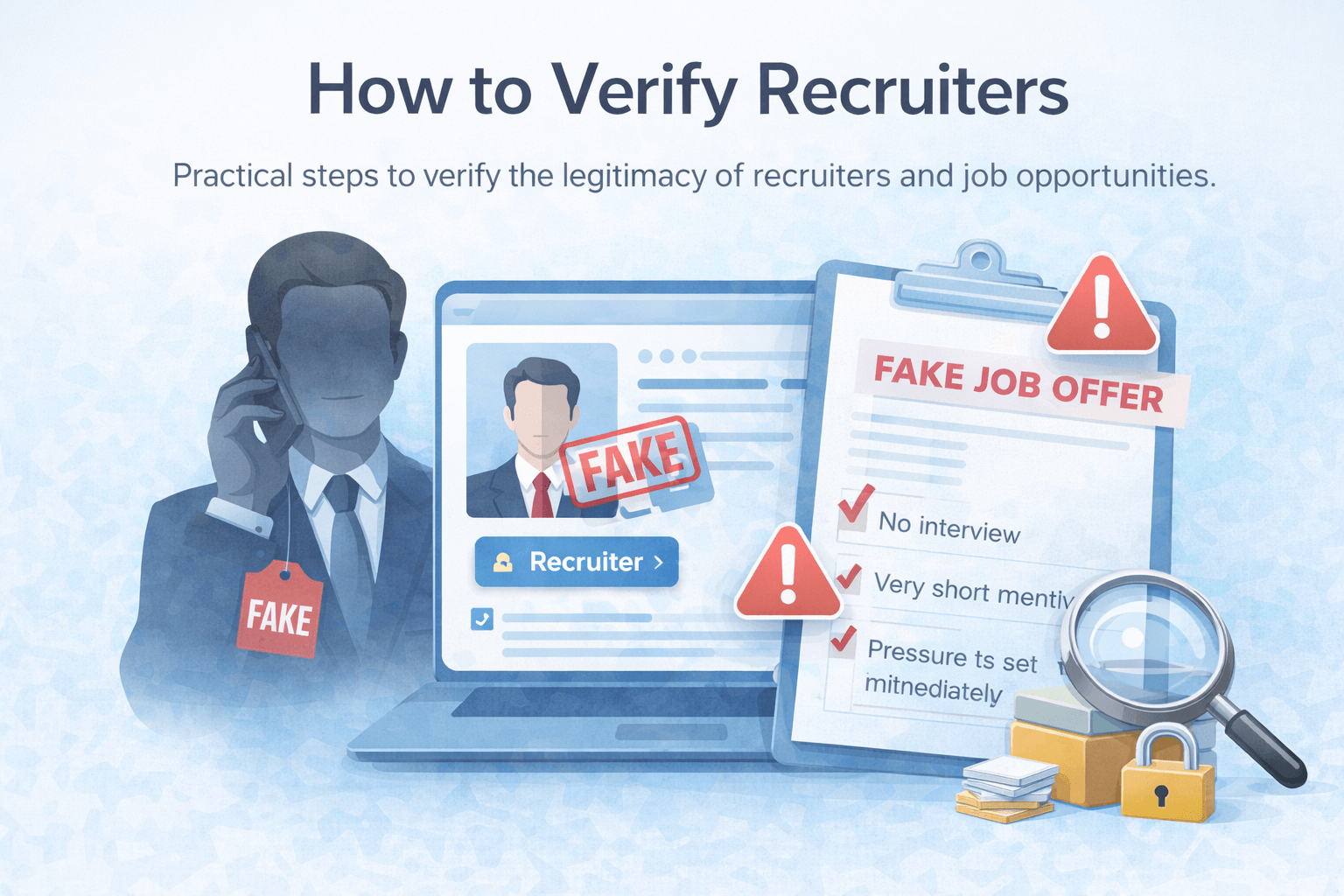
If the repo arrived as a fake recruiter take-home or a "the site is broken, can you take a look?" freelance request, treat executing it like an email attachment from a stranger.
Start with the files that run first
You do not need to audit every file. Malware does not need a complete application. It needs a path to execution. Start there, and scan the repo before npm install or any other install step.
package.json
preinstall,install,postinstall,prepare, andprepublishscripts. These can run duringnpm install, before you ever start the app.devandstartcommands that point at a custom file instead of the framework default (next,vite,react-scripts).
Custom servers
server.js,server.ts, custom Next.js servers, and anything imported at startup with a harmless name like "logger," "bootstrap," or "startup logs."
Shell and build files
*.sh,Makefile,install.sh,setup.sh, and container entrypoints.
Python setup files
setup.py,setup.cfg, andpyproject.tomlwith a custom build backend. Also watch requirements that pull unknown git URLs.
Editor tasks
.vscode/tasks.json,.vscode/launch.json, and similar run configurations. Tasks can be configured to run when a trusted folder opens, while launch configurations execute when you start debugging. Keep unknown projects in Restricted Mode until you have inspected them.
If a file runs before the app is even usable, read it. That is the highest-leverage place to check a GitHub repo for malicious code.
Look for hidden execution
Once something is on the startup path, look for code whose job is to run other code.
Watch for:
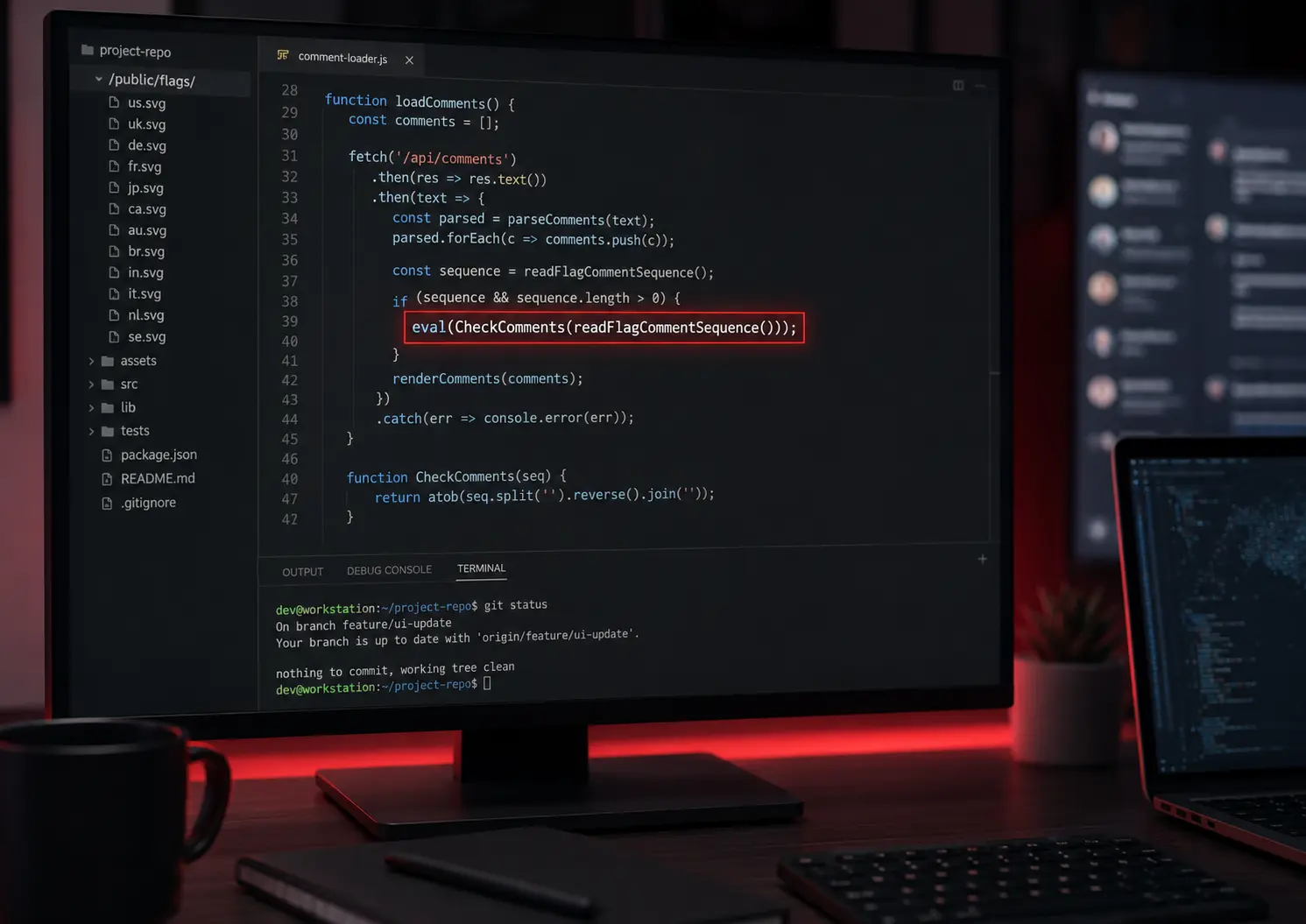
eval()Function()child_process,exec,spawn,execSync- PowerShell,
cmd.exe,os.system,subprocess - Long encoded strings, especially Base64
- Hex or character-code blobs that get decoded and then executed
try/catchblocks that swallow every error and log nothing
Ugly code is not automatically malware. Minified vendor files look like noise too. The combination that matters is decoded or remote content, executed as soon as you install or start the project, with errors hidden so the repo still looks like it "works."
Check for suspicious downloads
A repo does not need to contain the full payload. It only needs to fetch it later.
Look for:
- Hardcoded IP addresses
- Unknown domains with no relation to the project
curl,wget,Invoke-WebRequest, or HTTP clients hitting raw file URLs- Remote scripts piped into a shell
- Downloads into a temp directory, then immediate execution
A legitimate project talks to documented APIs. A malicious one often reaches a server you have never heard of, using an IP or a fresh domain, for a reason the README never mentions.
Look for credential access
If the code is after something, it is often you: sessions, tokens, and wallets.
Search for references to:
- Browser profile paths (Chrome, Firefox, Edge, Brave)
- Cookies, local storage, and saved-login databases
- Crypto wallet folders and browser extension IDs
- SSH keys (
~/.ssh) - Environment files and process environment variables
- Cloud credential locations (AWS, gcloud, Azure)
Legitimate tools almost never need to read your browser profile to start an app.
Exposed keys in the repo itself are a related problem, and they are not always intentional. For a dedicated pass over committed secrets — .env files, browser-public prefixes like NEXT_PUBLIC_, and keys still sitting in git history — use Secret Leak Check.
Don't ignore images and assets
Malware in a repo is not limited to .js and .py files.
SVG files are XML. They can hold comments, scripts, and encoded fragments that look like noise until startup code reassembles them. JSON, CSS, and "image" folders get skipped for the same reason: reviewers assume they are inert.
We already documented a real case of this: a Next.js project that hid a credential stealer inside SVG comment fragments and ran it the moment the dev server started. Read Sometimes the Repo Is the Attack: Malware Hidden Inside SVG Files for the exact chain.
The lesson from that investigation is the same as this guide. If a file can be read at startup, it can be a payload.
Check repository history — but don't trust stars
Stars, forks, and a polished README are easy to fake. They are not a security review.
Look at:
- Account age and other repositories. A new account with one repo and a copied README is a signal.
- Commit history. One enormous initial commit, or a history that looks generated, is common in throwaway malware repos.
- Activity that does not match the claimed project age
- Binaries —
.exe,.dll,.dmg, or packed files with no build process - A README that belongs to a well-known project, with remotes and scripts that do not
GitHub popularity is social proof. It is not a verdict on whether the code is safe to run.
GitHub's code scanning is looking for something else
If a repository shows GitHub code scanning or Dependabot badges, that can feel like a green light. It isn't one for this problem.
GitHub describes code scanning as a feature that analyzes the code in a GitHub repository to find security vulnerabilities and coding errors. It is built to help maintainers find bugs in their own project: injection flaws, insecure APIs, mistakes an attacker might later exploit.
That is a different job from asking whether an unknown repository was deliberately designed to attack the developer who runs it.
A maintainer enabling CodeQL on their app is not the same as a stranger sending you a ZIP and asking you to install it. GitHub's scanning is not a GitHub repository malware scanner for take-home tests, freelance "bug fixes," or random tools. It does not replace checking install hooks, hidden execution, or credential theft aimed at you.
How to scan a GitHub repo for malware without running it
Manual review is the right instinct. It is also slow, and the attack is designed around that. git clone && npm install && npm run dev is muscle memory. Tracing startup files is not.
If you want to check a GitHub repo for malicious code without giving it a chance to run, use a static scan — a repo scanner online that reads the files and never executes them.
DoubleCheck's Repo Scanner is built for this moment. Paste a public GitHub URL, or upload a ZIP if the project isn't public. The scan reads files statically. It does not install dependencies, build the project, or run it.
It looks for the patterns in this guide: malicious install scripts, custom startup behavior, obfuscated execution, suspicious downloads, credential-access paths, and payloads hidden in assets.
Understand what a clean scan means
"Nothing suspicious found" is not proof that code is perfectly safe.
A static scan can miss things. Dependencies downloaded later are not the same files you reviewed. Runtime-only behavior will not appear until something executes. Coverage can be partial. New obfuscation can look unlike previous cases.
Treat a clean result as: no known-dangerous patterns showed up in the files that were reviewed. Still don't run untrusted code on a machine that holds production keys, saved browser sessions, or a funded wallet. Use a VM or a throwaway environment if you must run it at all.
The goal is to break autopilot, not to collect a certificate of safety.
What to do if you already ran it
If you already installed or started a suspicious repo, assume the process had the same access you do.
- Disconnect from the network if the process may still be running.
- Stop the dev server, related Node or Python processes, and anything you don't recognize.
- Rotate credentials: GitHub, npm, cloud providers, email, and any service you were logged into in the browser.
- Revoke sessions and tokens. Invalidate cookies, CLI logins, and SSH keys if those paths were on the machine.
- Scan the machine with your OS security tools, and treat saved browser profiles and crypto wallets as compromised until you have a reason not to.
If the repo arrived through a hiring pitch, go back and verify the recruiter before you continue the conversation.
Then, for the next unknown project, scan first.