LinkedIn Verified Recruiter Badge: What It Proves and What It Doesn't
Can you tell if a LinkedIn recruiter is verified, or using LinkedIn Recruiter? What the verification badge and the Verified Recruiter label really confirm, what they don't, and the checks that still matter.
The badge tells you who sent the message. It doesn't tell you why.
A recruiter messages you on LinkedIn.
Nice profile. Real company. And there it is next to their name: the little verification badge.
So you relax a bit.
Should you?
Partly. LinkedIn has added real verification for recruiters over the last year, and it does make the lazy fakes harder. But a badge answers a narrower question than most people think.
So let's talk about what it actually checks.
What LinkedIn verifies now
In September 2025, LinkedIn announced that members who add or update a recruiting title, like "Recruiter" or "Talent Acquisition Specialist", have to verify their workplace. The same goes for senior titles such as Vice President, Managing Director and Executive Director.
According to LinkedIn's help page on verifications, a workplace can be verified with:
- A work email at the company
- Microsoft Entra Verified ID
- A LinkedIn Learning license provided by the company
- An active LinkedIn Recruiter license provided by the company
Verification is still optional for most members. It's the recruiting and executive titles that now need it.
Click the badge. Seriously.
This is the part almost nobody does.
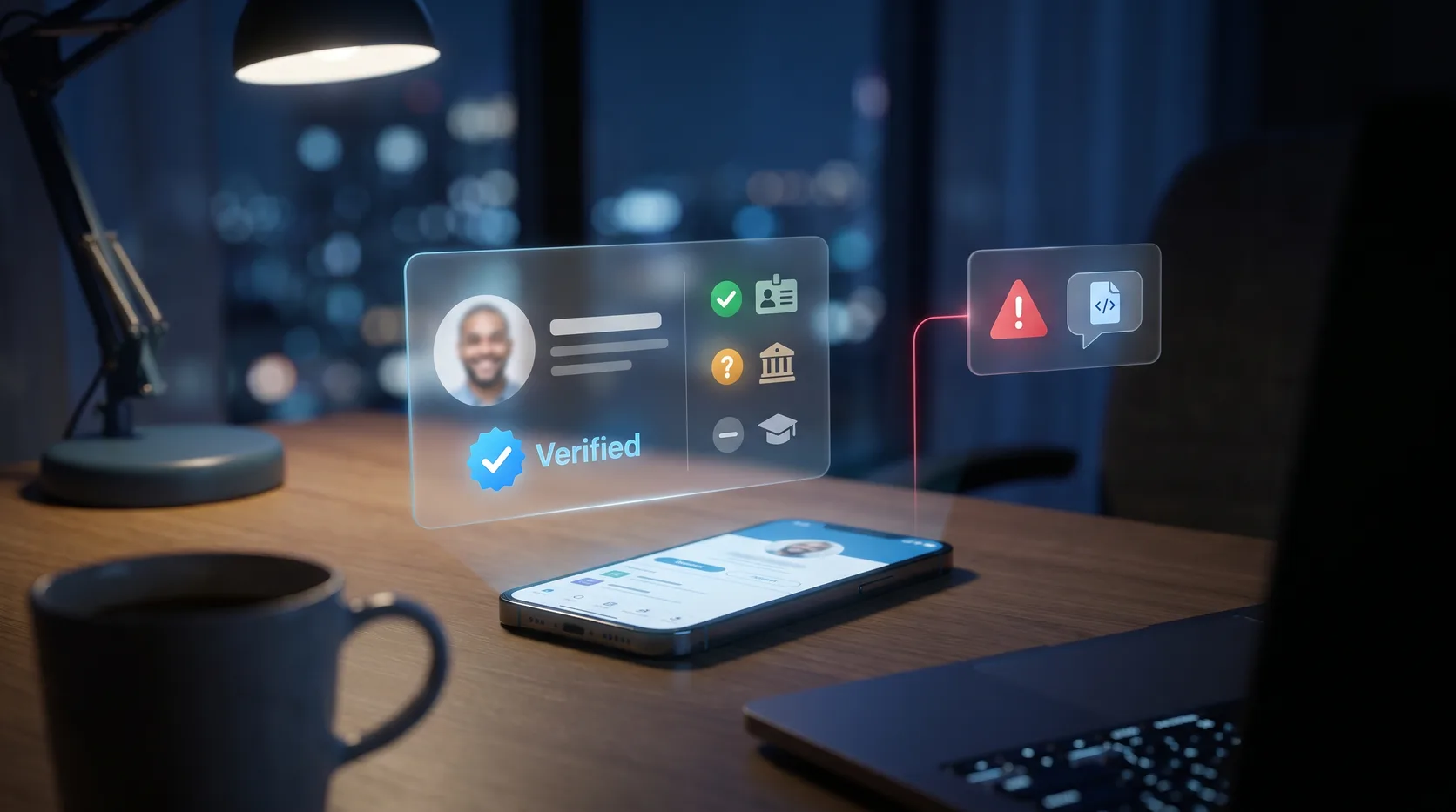
The badge isn't just decoration. LinkedIn's help page says you can click it to see which verifications are active on that profile. There are three kinds:
- Identity: the person verified a government ID
- Workplace: the person proved they work at a company
- Education: the person proved they studied somewhere
What you won't see is the underlying data. No email address, no ID number. Just the fact that it checked out.
So the question to ask isn't "is there a badge?"
It's this:
Is the workplace they verified the same company they're recruiting for?
A verified identity with no verified workplace means LinkedIn knows who this person is. It says nothing about whether they work where they claim.
The "Verified Recruiter" label
There's a second, separate signal.
People whose company pays for a LinkedIn Recruiter subscription, and who hold a Recruiter role on it, can display a Verified Recruiter label. That ties the person to a company account that's paying LinkedIn for recruiting tools.
This is also the closest you'll get to answering "is this person actually using LinkedIn Recruiter?"
From your side of the inbox, there's no "sent with LinkedIn Recruiter" stamp on the message. An InMail could come from a Recruiter seat or from a Premium account, and Premium is something anyone can buy. The label is the visible sign.
What a badge doesn't prove
Here's where it gets uncomfortable.
A verification badge confirms facts about the account. It doesn't confirm the intent behind the message.
It doesn't prove:
- The job they're describing exists
- The person typing right now is the person who verified
- The account hasn't been taken over
- That anything they send you is safe to open or run
Workplace verification through a company email is only as strong as that company's email. A small firm, a lookalike domain that got through, a real employee's hijacked account. All of those can wear a badge.
Even LinkedIn's own rollout was described as not a full fix for hiring scams.
Where the badge still wins
To be fair, this is a real improvement.
A brand new fake profile with a stolen headshot can't just type "Senior Recruiter at Google" anymore and look official. The verification step costs a scammer time and a working company email, and most mass scams don't bother.
If a recruiter has a verified workplace that matches the company, a verified company page, and a real job posting on that company's careers site, you're probably talking to a real person.
Probably. Keep reading anyway.
No badge doesn't mean fake
The opposite mistake is just as common.
Plenty of real recruiters have no badge. Agency recruiters, people at companies without LinkedIn Recruiter, and anyone who set their title before the rule came in.
A missing badge is a reason to check more. It's not a verdict.
How to check a recruiter in five minutes
Here's what I'd do, in order:
- Click the badge. Look for a verified workplace, and make sure it's the company they're hiring for.
- Check the company page. Is it the real one, with real employees and a history? LinkedIn now offers verification on company pages too.
- Find the job yourself. Go to the company's own careers page, not a link they sent. If the role isn't there, ask why.
- Match the email. If they email you, the domain should match the company's real website. Not Gmail, not a lookalike.
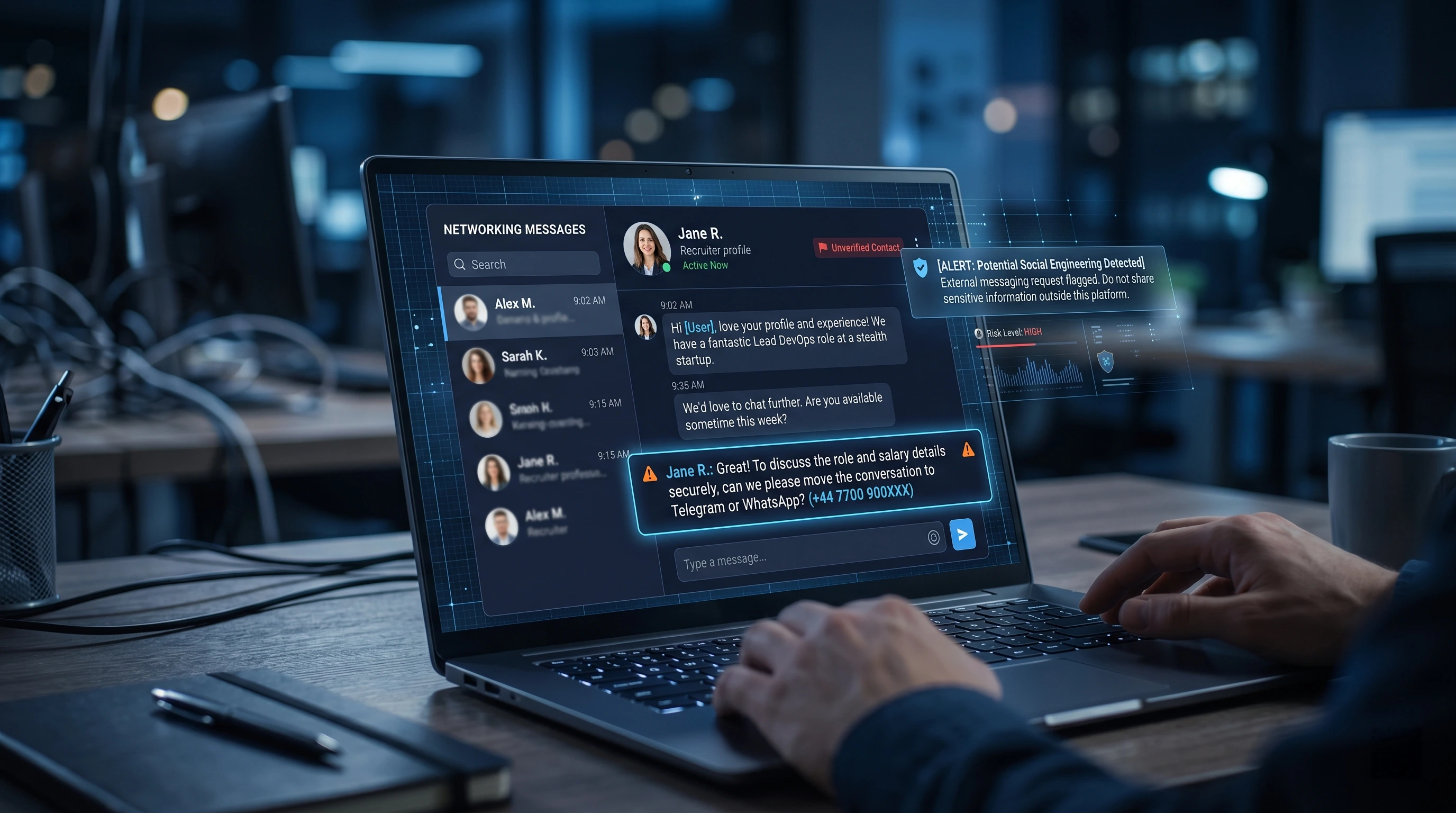
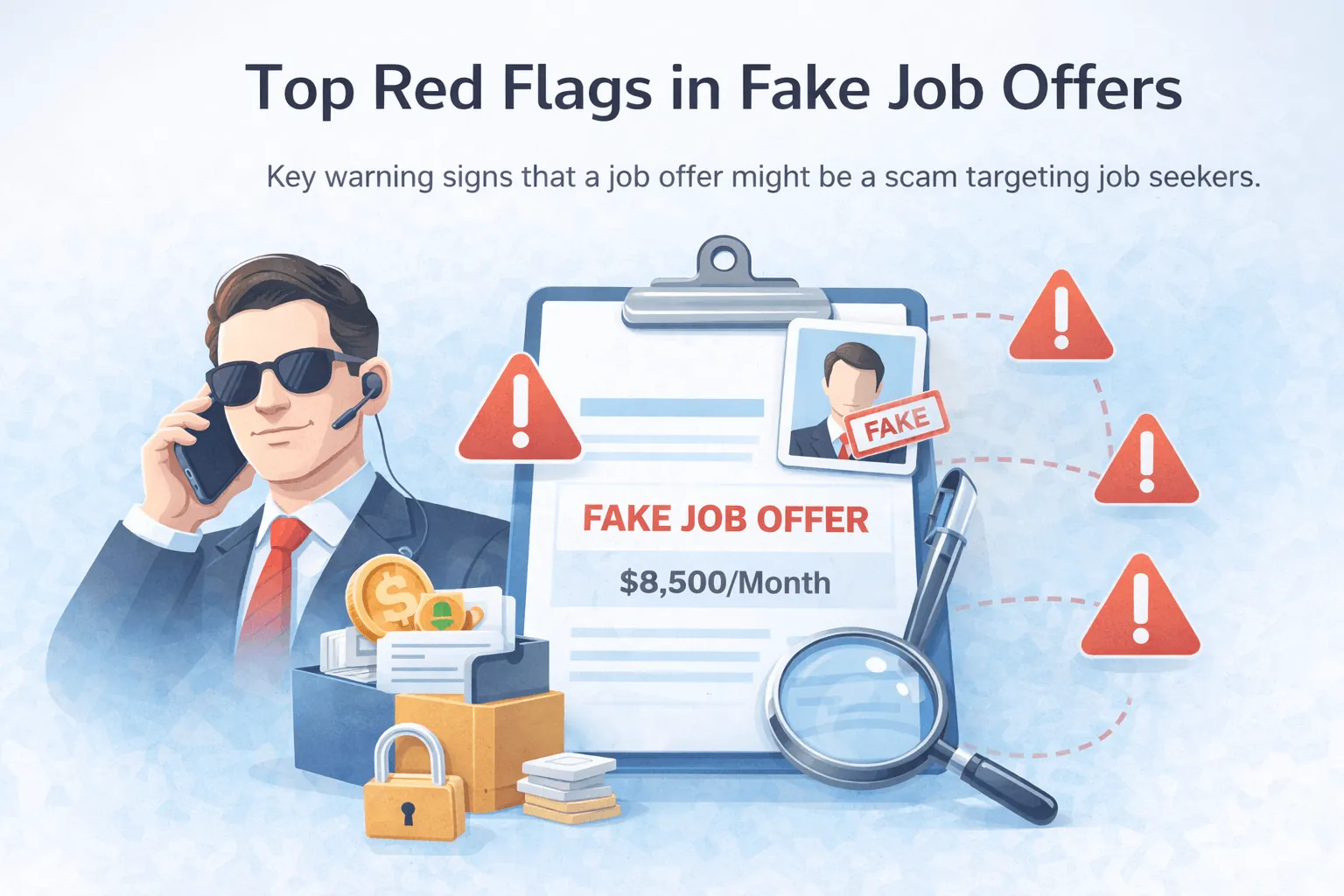
- Watch what they ask for. Moving to WhatsApp or Telegram fast, asking for ID or payment details, or sending a repo to "just run". Those are the real red flags, badge or no badge.
Our six quick checks for LinkedIn recruiters go deeper on each of these.
Here's my honest answer
Trust the badge for what it checks. Not for what you hope it means.
Verified account vs verified intent.
A badge gets them into your inbox. It shouldn't get their code onto your machine.
Got a "technical assessment" from a recruiter, verified or not? Scan the repo before you run it.