How to Verify Recruiters
Practical steps to verify the legitimacy of recruiters and job opportunities.
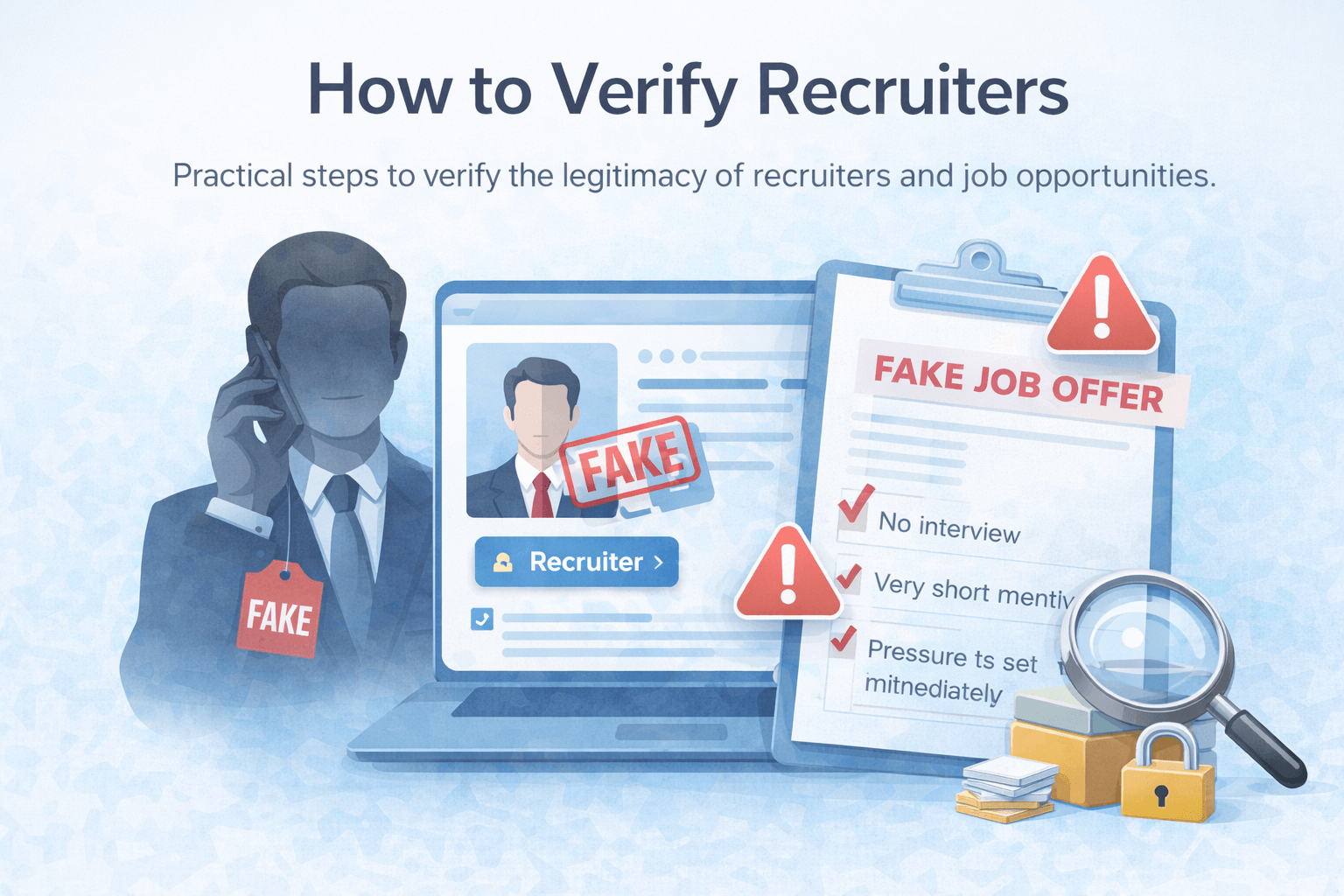
Fake recruiters and job scams are increasingly common on platforms like LinkedIn, Telegram, and email. Verifying a recruiter before engaging can help you avoid scams, identity theft, and financial loss.
Here are clear, practical steps to verify recruiters and confirm whether a job opportunity is legitimate.
Verification Steps
1. Check the recruiter’s LinkedIn profile carefully
A legitimate recruiter usually has:
- A complete profile with work history
- A real company listed (not just “Recruiter”)
- Connections, activity, and engagement over time
Be cautious if the profile is new, has very few connections, or looks copied.
2. Verify the company exists
Search the company name independently:
- Visit the official website (not links they send)
- Check the domain age and company details
- Look for employees on LinkedIn who list the same company
Scammers often invent companies or impersonate real ones using similar names.
3. Confirm the job opening directly
If something feels off:
- Visit the company’s careers page
- Contact the company using publicly listed contact details
- Ask if the role and recruiter are legitimate
Real companies won’t mind verification.
4. Watch for pressure and urgency
Common scam behavior includes:
- “This offer expires today”
- “We need an answer immediately”
- Pushing you to move the conversation to Telegram or WhatsApp
Legitimate recruiters allow time for consideration.
5. Never pay to apply for a job
No legitimate recruiter will ask for:
- Application fees
- “Processing” or “verification” payments
- Crypto transfers or gift cards
Any request for money is a major red flag.
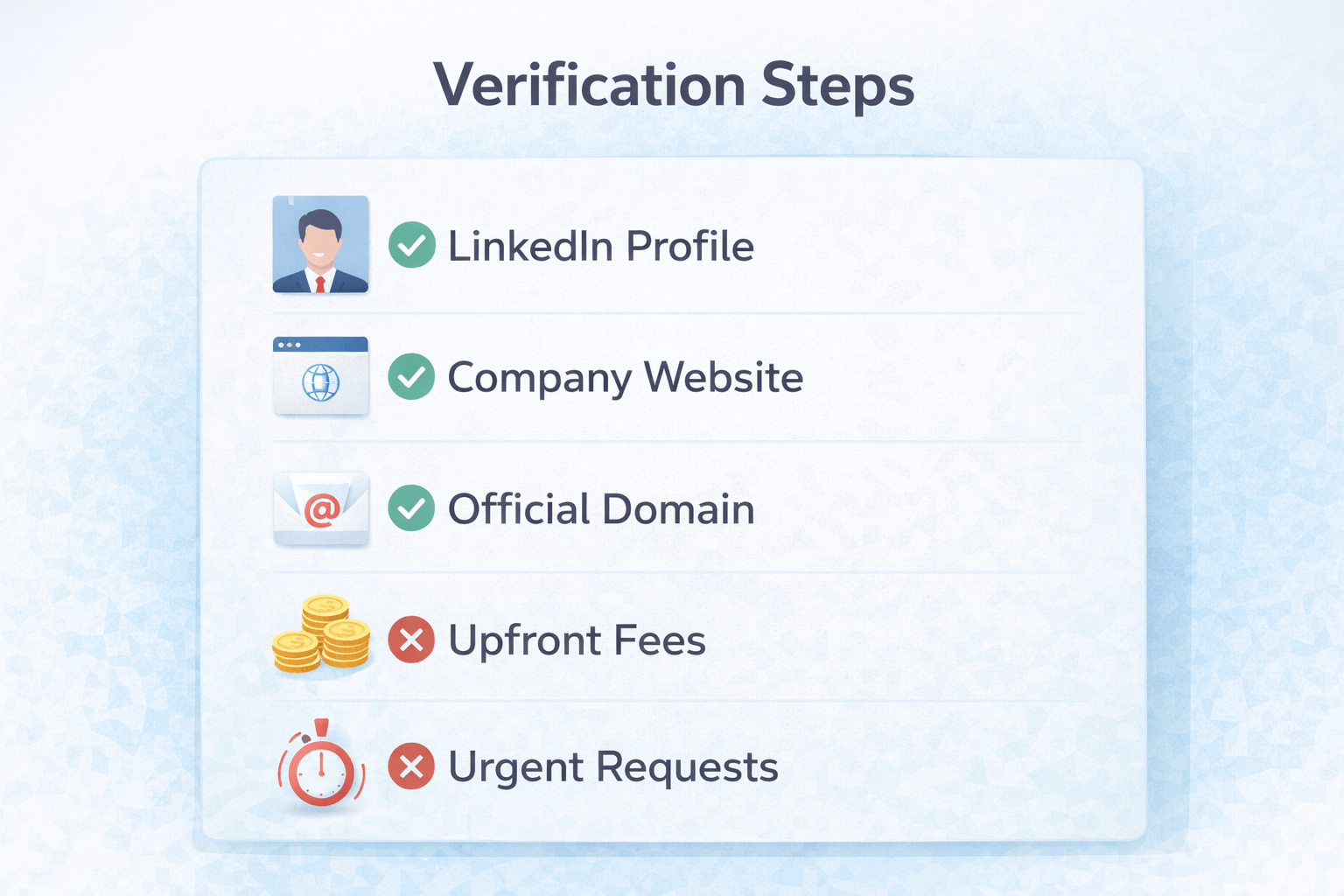 Verification steps for recruiters
Common Red Flags to Look For
- Generic job descriptions with vague responsibilities
- Unrealistic salaries for minimal experience
- Requests for personal documents early (passport, ID, bank info)
- Poor grammar combined with high-pressure language
One red flag alone doesn’t always mean a scam — multiple red flags usually do.
How DoubleCheck Can Help
If a recruiter message feels suspicious, DoubleCheck can analyze it before you reply. The extension highlights common scam patterns and risk signals directly inside your browser.
It’s an awareness tool — not a guarantee — but it helps you pause before making a costly mistake.
Related Reading
Final Thoughts
Verifying recruiters takes a few minutes and can save you a lot of trouble. Trust your instincts, slow things down, and never feel rushed into sharing information or money.
When in doubt, verify — or scan the message before replying.