How Scams Work on LinkedIn
Understanding the tactics scammers use on professional networking platforms.
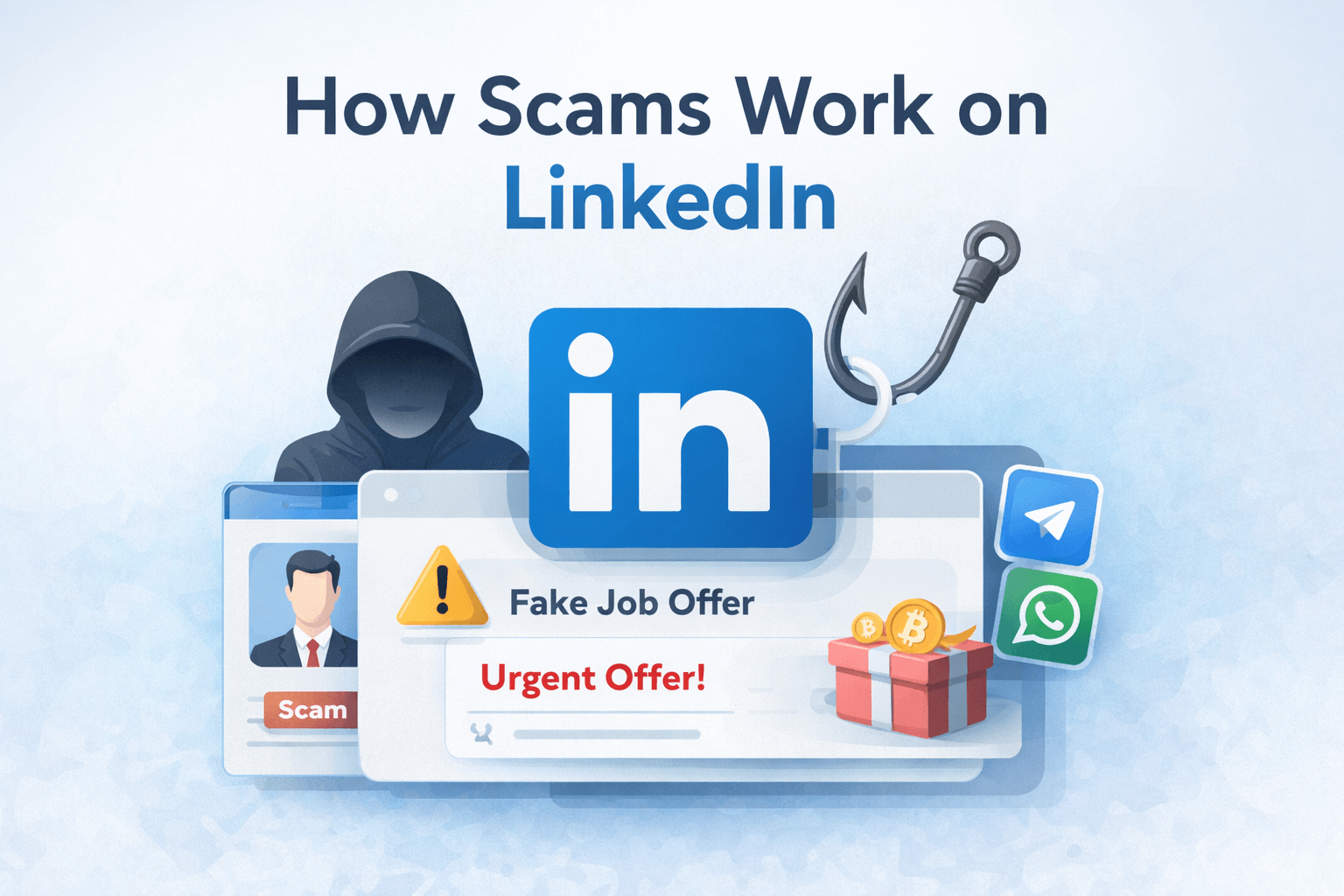
LinkedIn is meant to be a professional place for jobs, networking, and business. Unfortunately, scammers know this too.
Because people trust LinkedIn more than random social apps, scammers use it to trick users into fake jobs, fake investments, and phishing scams. Understanding how these scams work can help you spot them early and avoid costly mistakes.
Why LinkedIn Is a Target for Scammers
LinkedIn is attractive to scammers for a few simple reasons:
Trust
People expect LinkedIn messages to be professional and real. When a message looks like it comes from a recruiter or company, users lower their guard.
Professional-looking profiles
Scammers can easily create profiles with:
- Stolen photos
- Fake job titles
- Copied company descriptions
At a glance, these profiles look legitimate.
Easy outreach
LinkedIn allows anyone to message:
- Job seekers
- Freelancers
- Founders
- Employees at specific companies
This makes it easy for scammers to reach thousands of targets quickly.
Common LinkedIn Scam Tactics
Fake job offers
This is one of the most common scams.
You might receive a message like:
“We reviewed your profile and want to offer you a remote role”
High salary, low effort. No real interview process. Often, the “job” leads to requests for fees, personal documents, or moving the conversation elsewhere.
Moving to Telegram or WhatsApp
A big red flag is when someone quickly says:
“Let’s continue on Telegram”
“Contact our hiring manager on WhatsApp”
Scammers move conversations off LinkedIn to avoid reporting and moderation.
Crypto & investment bait
Some messages promote:
“Guaranteed returns”
“Private investment opportunity”
“AI trading bots”
These usually lead to fake platforms or direct money requests.
Phishing disguised as business inquiries
These messages look professional but hide danger:
Requests to review files
Links to “proposals” or “contracts”
Fake Google Docs or PDF files
Clicking links or downloading files can steal your credentials or install malware.
Red Flags to Watch For
If you see several of these together, be careful:
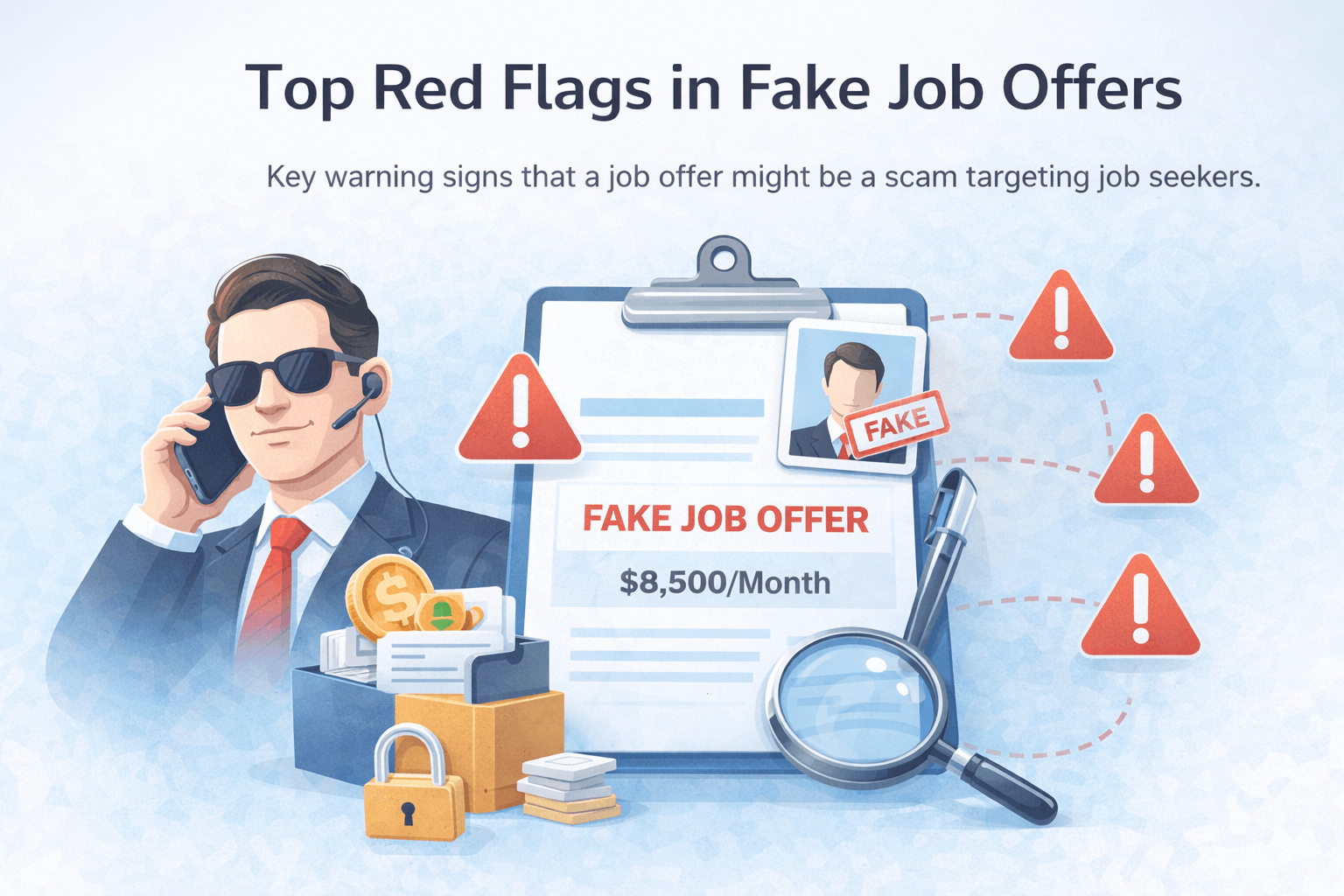
- Urgency: “Reply today” or “Limited time”
- Salaries that seem too good to be true
- Poor or missing company online presence
- Vague job descriptions
- Requests for money, files, or personal info
- Pressure to move platforms quickly
One red flag alone doesn’t always mean a scam — but multiple red flags usually do.
How to Protect Yourself on LinkedIn
Do manual checks
Before replying:
- Look up the company website
- Check if the person actually works there
- Search the company on Google
Don’t move platforms too fast
Real recruiters usually stay on LinkedIn or email first. Be cautious if someone insists on Telegram or WhatsApp immediately.
Use DoubleCheck before replying
If something feels off, scan the message before responding. DoubleCheck analyzes scam patterns and warns you when a message looks risky — so you don’t reply blindly.
Related Reading
Final Thoughts
LinkedIn scams work because they look professional and harmless at first. Most people don’t realize what’s happening until it’s too late.
The best defense is awareness:
- Know the common tactics
- Watch for red flags
- Pause before replying
A few seconds of checking can save you money, time, and stress.